
Document accessibility & remediation
Did you know that pdfs are covered by the same legal accessibility requirements as interfaces and apps? With 25 years of experience in digital accessibility, we offer Funka’s Document Fixer service.
Many documents look finished visually but cannot be read by people who rely on assistive technology. Without the right structure behind the content, a pdf becomes a flat image that cannot be interpreted.
Document Fixer makes your completed documents accessible without changing the visual design.
Benefits of Funka Document Fixer:
- Easy. Upload your original files in our portal and download remediated, accessible files.
- Manual remediation by certified accessibility experts. Every document is reviewed and fixed by hand, not processed by automation.
- Reliable results. Documents are fully remediated to work in practice with assistive technology.
- Fast delivery, even for large volumes.
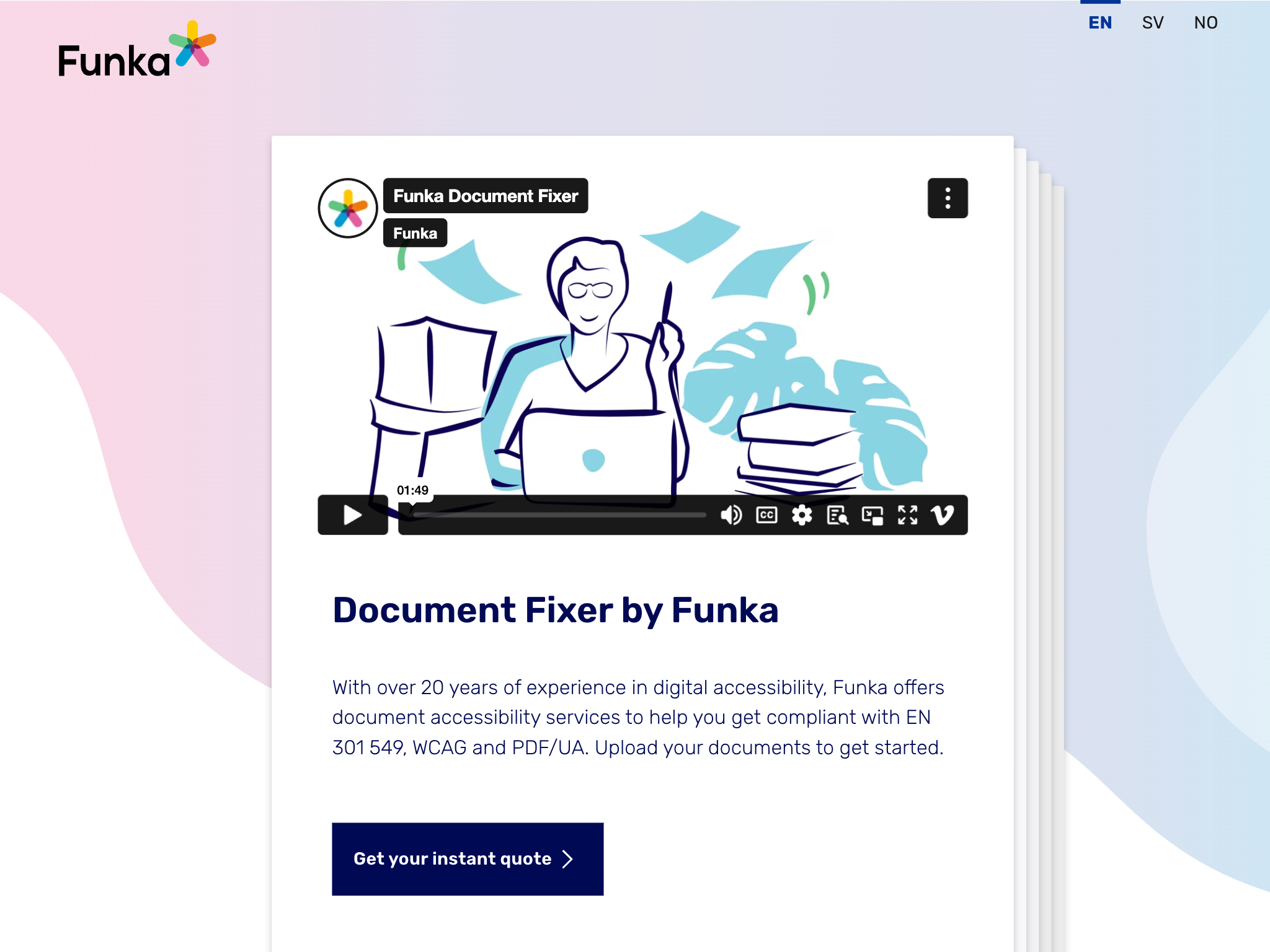
Document Fixer - Upload your documents to get started
Standard price is 150 SEK per A4 page. Page size, document type, page count, and whether the document contains forms may affect the price.
Who it is for
Document Fixer is designed for organisations that publish documents as part of their digital services. This includes public sector bodies, companies, banks, insurance providers, e commerce businesses, and transport services.
When users need to read, download, or act on information in a document, it must be accessible. We know that many organisations lack the time, tools, or expertise to handle this themselves. That is why we offer a service that takes care of the full technical accessibility work for you.
Funka’s experts carry out technical accessibility remediation of your completed documents so they meet the technical requirements of EN 301 549, WCAG, and PDF/UA. This ensures compliance with both the Web Accessibility Directive and the European Accessibility Act.
How it works
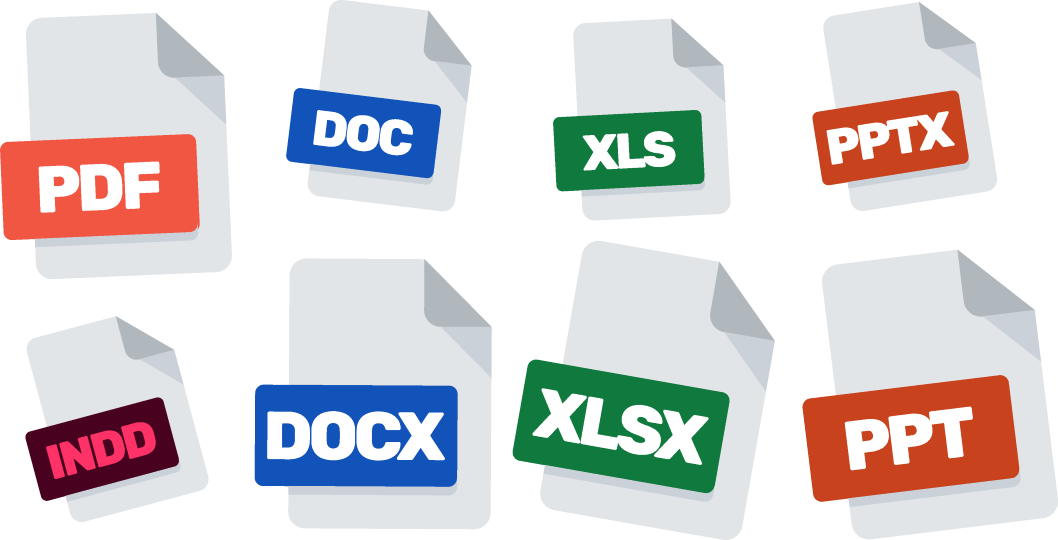
With Document Fixer, we help you make finalised PDF's, Word, PowerPoint, and InDesign documents accessible.
We add the semantic structure required for an accessible document. Headings are marked as headings, lists work as lists, tables become readable, images get descriptions, and the reading order follows a logical flow. This ensures that the documents can be read with assistive technologies.
Layout, text, and design are not affected. All accessibility work and testing is done manually by our certified experts to ensure the document works in real use.
How to get started
- You upload your completed document in our online portal and get preliminary price estimate based on the content of the file.
- You enter your order details and confirm the order.
- One of Funka's experts reviews the order. We check factors that affect the price, such as page size, document type, page count, or whether the document contains hidden forms.
- We email you to confirm the final price before any work starts. Once you confirm the order, our certified accessibility experts begin the manual remediation.
- When the work is complete, you can download a document that looks identical but works correctly with screen readers and other assistive technology.
Before you use the service
Your document must be completely final before you upload it. When we make a document accessible, we build a technical structure that matches the content exactly.
If you change text, layout, images, or page order afterwards, that structure breaks and the document must be remediated again.
Are you working on a document that is still in progress and want guidance before it is finished? Use the contact form at the bottom of the page and we will explain how we can help.
What you receive
You receive a document that looks exactly the same as before but is accessible to everyone. Headings act as headings, lists function as lists, tables follow the correct reading order, and images have descriptions. The document becomes possible to read, understand, and navigate for people who cannot access the visual presentation.
Supported file formats (with or without forms in the document):
- Word, doc, docx
- Excel, xls, xlsx
- PowerPoint, ppt, pptx
- InDesign, indd